- Home
- Blog
- Technical Founders
- A CLAUDE.md example for a SaaS that already has users
A CLAUDE.md example for a SaaS that already has users
A full, annotated CLAUDE.md for a small SaaS with paying users: what each section is for, and where each feature's why and metric plug in.
On this page
- The product behind the example
- The full file
- Product: who uses it, where and when
- Out of scope and product rules: what the code can’t show
- Words: match what users say
- Commands and gotchas: short and exact
- Feature work: where the Build Pack plugs in
- What this example leaves out on purpose
- Adapt it to your product
- Doing this in MindBacklog
- Questions
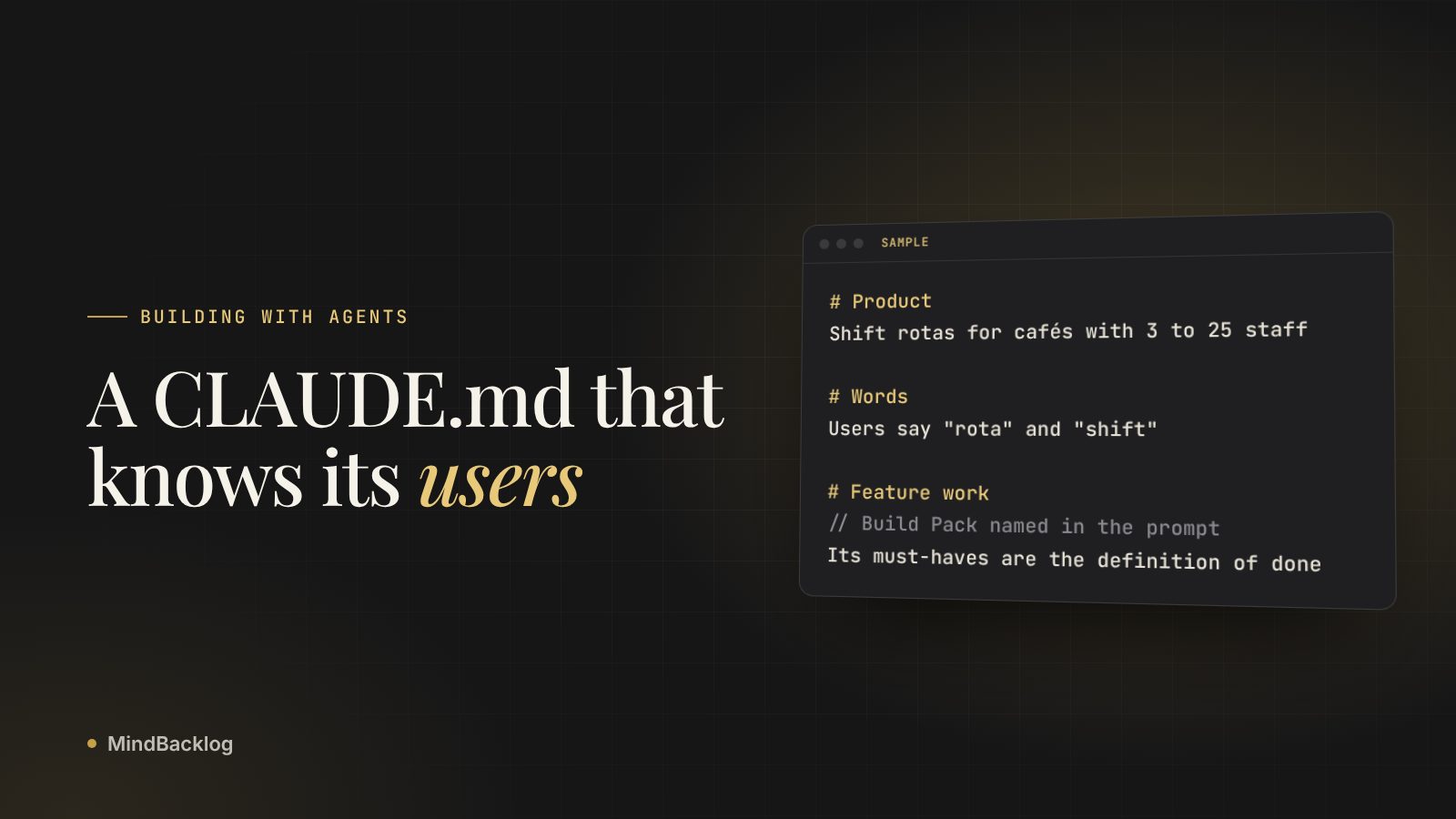
Below is a full CLAUDE.md example for a small SaaS with paying users, followed by a note on each section. It runs under 50 lines. Product context comes first, then commands and gotchas, and one short section tells Claude where each feature’s why, users and metric come from, so that detail never lives in this file.
- Lead with who uses the product, on what device and in what situation.
- Out of scope, product rules and your users’ words come next, because the code can’t show them.
- Keep commands and gotchas short and exact.
- End with a feature section that points to this feature’s Build Pack without importing it.
The product behind the example
The product is illustrative: a shift rota app for independent cafés. Owners build next week’s rota on a laptop, usually on Sunday night. Staff check shifts and request swaps on their phones. It has paying cafés, a legacy mobile app that still has users, and a support inbox full of opinions about swaps.
That last part shapes the file. A product with users has behaviour people already rely on, and the file has to protect it. A weekend prototype has nothing to protect yet. For the principles behind each section, see CLAUDE.md best practices.
The full file
# Product
Rota: shift scheduling for independent cafés with 3 to 25 staff.
Owners build next week's rota on a laptop, usually Sunday night.
Staff use phones to check shifts and request swaps.
Many staff are students. Assume small screens and patchy signal.

# Out of scope
- Payroll, tips and wage calculations. Owners use an accountant.
- Multi-site chains. One account is one café.
- Clock-in hardware and location tracking.

# Product rules
- A published rota never changes silently. Any edit after
  publishing notifies every affected staff member.
- Staff see colleagues' first names and shifts. Never phone
  numbers or pay rates.
- The owner approves every swap. Never auto-approve.

# Words
- Users say "rota" and "shift". Not "schedule" or "slot".
- The code calls a café an Organization. Copy always says "café".

# Commands
- Install: pnpm install
- Run one test file: pnpm vitest run path/to/file.test.ts
- Typecheck: pnpm tsc --noEmit
- Seed a demo café: pnpm db:seed (12 staff, two published weeks)

# Gotchas
- src/legacy/schedule/ still serves the old mobile app.
  Don't copy its patterns. Don't delete it.
- Times are stored in UTC. Show them in the café's timezone,
  from Organization.timezone.

# Feature work
- Each feature has a Build Pack in docs/packs/. The prompt
  names the file. Read it before you plan.
- Its must-haves and acceptance criteria are the definition
  of done. Show the test output for each one.
- If the code and the Build Pack disagree, stop and ask.
Note. The first line is a note for humans. Claude Code strips block-level HTML comments before the file reaches Claude, so maintainer notes cost no context.
Product: who uses it, where and when
Four lines do most of the work. “Laptop on Sunday night” tells Claude the rota editor can be dense. “Phones, patchy signal” tells it the staff views can’t be. Without these lines, Claude builds one interface for a user who doesn’t exist.
Write them the way you’d brief a contractor on day one. Skip the pitch and the market size. Claude needs the person and the situation.
Out of scope and product rules: what the code can’t show
The out-of-scope lines stop plausible additions. Ask for “better swap handling” without them and you might get pay adjustments for swapped shifts, which this product leaves to the accountant on purpose.
The product rules come from users. In this example, owners asked to approve every swap after staff swapped themselves out of a busy Saturday. Nothing in the schema records that decision. If a rule must never break, back it with a test or a hook too, because Claude follows CLAUDE.md nearly every time rather than every time.
Words: match what users say
The code says Organization. Users say café. Agents copy names from the code into labels, emails and error messages, so this section keeps internal names out of the interface. It’s one of the cheapest lines in the file and one of the most visible to users.
Commands and gotchas: short and exact
The commands give Claude a way to check its own work: how to run one test file and how to typecheck. Anthropic’s best practices call the command that runs your checks the single most useful line in the file. The seed command earns its place because Claude would otherwise invent test data.
The gotchas mark places where the code misleads. The legacy folder looks like dead code and invites a cleanup that would break the old app. The timezone note prevents a bug that only shows up for cafés outside your own timezone.
Feature work: where the Build Pack plugs in
This is the section most CLAUDE.md files lack. It tells Claude that each feature arrives with its own brief, and that the brief defines done. The brief carries why the feature matters, who it’s for, the metric, and the must-haves with acceptance criteria. The Build Pack format guide shows each section in full.
Notice there’s no @ in front of the folder path. In CLAUDE.md, an @ path imports a file and loads it in full every session. A plain path is only a pointer, so Claude reads the one brief the prompt names. If you ever need to write an @ path without importing it, wrap it in backticks.
Say the cafés’ top problem is swap requests that arrive an hour before the shift. The session starts with one line: /plan Build @docs/packs/swap-deadline.md and check each must-have against it. In a prompt, the @ is what you want, because it puts that one file into this one message.
- CLAUDE.mdTrue on every task
- Build PackThis feature's why and metric
- PlanChecked against must-haves
- ReviewEach criterion, with evidence
What this example leaves out on purpose
A short file is a choice about where everything else goes. Each of these has a better home.
| Left out | Where it lives instead |
|---|---|
| Folder layout and architecture | Nowhere. Claude reads the repo. |
| Lint and formatting rules | The linter config, run by a hook if it must always happen |
| Rules for one folder, such as API validation | .claude/rules/ with a paths filter |
| Release steps | A skill you run with a slash command |
| One feature’s why, metric and must-haves | That feature’s Build Pack |
| Your personal preferences | CLAUDE.local.md, kept out of git |
Adapt it to your product
Copy the structure, then replace every line with your own. Work through this list in order.
- Replace the product lines with your user, device and situation
- List the things Claude might build that you don’t want
- Write down every rule users asked for that the code doesn’t enforce
- Map internal names to the words users say
- Paste your real test and typecheck commands, then run them once
- Name at least one place where the code misleads
- Add the feature work section and create docs/packs/
Then run /context in a new session and check that the file appears under Memory files. If you ship with Claude Code or Cursor every week, see how MindBacklog works for builder founders.
See a Build Pack that plugs into this file. A sample for a made-up product, with every section’s source.
See a sample Build PackDoing this in MindBacklog
MindBacklog keeps what your users said, ranks the problems they have, and hands your coding agent the why. Copy the Build Pack for Claude Code or Cursor, and it brings why it matters, who it’s for, the metric, and the must-haves with acceptance criteria, each naming its source. It also says what’s already broken and what already exists. How the Build Pack works.
Questions
Where should CLAUDE.md go in my project?
Put the project file at ./CLAUDE.md or ./.claude/CLAUDE.md and commit it, so everyone working on the repo gets it. Preferences for all your projects go in ~/.claude/CLAUDE.md. Personal notes for one project go in CLAUDE.local.md, which you add to .gitignore.
Can Claude Code write CLAUDE.md for me?
Yes. Run /init and Claude drafts a file from your codebase, with the build commands and conventions it finds. It can’t know your users, scope or product rules, so add those yourself and cut what the repo already shows.
Can I use this CLAUDE.md example with Cursor?
Yes. Cursor’s docs say it picks up a CLAUDE.md in the project root and applies it to every conversation. If you also use other agents, keep the shared lines in AGENTS.md and import that file from CLAUDE.md with @AGENTS.md.