Claude Code subagents: a reviewer for your acceptance criteria
Set up a Claude Code subagent that checks your diff against each must-have and acceptance criterion before you merge, with evidence for every line.

On this page
Claude Code subagents let you set up a reviewer that reads your diff and checks it against each must-have and acceptance criterion before you merge. It’s one Markdown file in .claude/agents/ with a short tool list and a prompt that returns met, not met or can’t verify for every criterion, with evidence. It works because the reviewer starts with a fresh context and never saw how the code was written.
- A subagent runs in its own context, with its own prompt and tool list.
- Save the must-haves and acceptance criteria in a file the reviewer can read.
- The reviewer reports met, not met or can’t verify per criterion, with evidence.
- Scope it to the criteria. A reviewer told to find problems always finds some.
Why a subagent makes a good reviewer
A subagent is a separate Claude instance with its own context window, its own system prompt and its own tools. Claude hands it a task, it works alone, and it sends back a result. Anthropic’s subagents docs cover the setup in full.
Handing the same task to a subagent doesn’t make the answer smarter. A fresh reviewer helps for a different reason: it hasn’t seen your reasoning. The session that wrote the code believes its own plan. The reviewer sees only the criteria and the diff.
Custom subagents also load your CLAUDE.md files, unlike the built-in Explore and Plan agents. So the reviewer knows your test commands and product rules without you repeating them.
Put the criteria where the reviewer can read them
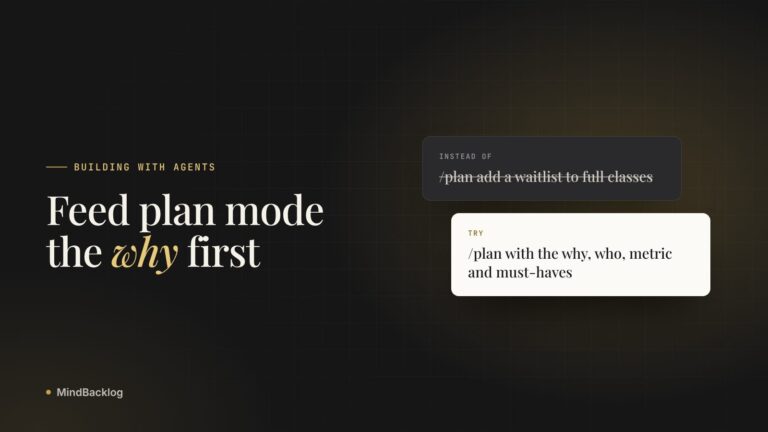
The reviewer needs a written definition of done. A Build Pack has one: the must-haves with acceptance criteria, next to why the feature matters and who it’s for. Copy it into the repo, for example as docs/packs/receipt-upload.md, or write the same sections by hand. The Build Pack format guide lists them.
Each criterion has to pass or fail, because a reviewer can’t check a feeling.
Uploading receipts should be easy and reliable.
A failed upload shows a retry button, and retrying sends the same photo without the client picking it again.
Write the reviewer file
Save this as .claude/agents/criteria-reviewer.md. Only name and description are required. The tools line limits what the reviewer can use, and Claude Code itself enforces that limit.
---
name: criteria-reviewer
description: Checks a branch against the must-haves and acceptance criteria in a Build Pack file. Use after a feature is built, before merging.
tools: Read, Grep, Glob, Bash
---
You review code you didn't write, against criteria you're given.

1. Read the Build Pack file named in the task. List every
   must-have and acceptance criterion, numbered as written.
2. Run git diff main...HEAD and read the changed files.
3. For each criterion, choose MET, NOT MET or CAN'T VERIFY.
   MET needs evidence: a passing test you ran, or the file and
   line that implements it.
4. Report only gaps that affect a criterion. Skip style, naming
   and refactors nobody asked for.
5. Don't edit files. If a fix is obvious, describe it in one line.

Reply with a table: criterion, status, evidence. Then list
anything in the diff that no criterion asked for.
Note. Bash lets the reviewer run git diff and your tests, but it could also change files from the shell. For a reviewer that can’t modify anything, list only Read, Grep and Glob, and ask the main session to include the diff in the task.
The description does real work. Claude uses it to decide when to delegate, so it says what the agent does and when to use it. If .claude/agents/ didn’t exist when your session started, restart Claude Code once so it sees the new folder. Commit the file with the rest of the repo, so every session and every teammate gets the same reviewer.
Run it before you merge
- Build the feature. Work in your main session until your own tests pass.
- Call the reviewer. Type @, pick criteria-reviewer from the list, and name the Build Pack file. An @-mention makes sure that subagent runs, while plain words leave the choice to Claude.
- Keep working. Subagents that Claude starts run in the background by default, and the report arrives in your session when it’s done.
- Fix what’s not met. Have the main session fix each NOT MET line, citing the criterion by number.
- Review again, fresh. Call the reviewer a second time instead of asking the fixing session to grade its own work.
A founder building a client portal for bookkeepers adds receipt upload from a phone. The Build Pack lists five criteria, written from what clients said on support calls. An illustrative first report comes back like the table below.
| Criterion | Status | Evidence |
|---|---|---|
| 1. Upload from a phone browser in two taps | Met | Mobile upload test passes |
| 2. Files over 10 MB rejected, with the limit shown | Met | Test “rejects 11 MB file” passes |
| 3. The same file twice is flagged, not saved twice | Not met | The hash is stored but never compared |
| 4. Bookkeeper sees it in the inbox within a minute | Can’t verify | Depends on the queue worker, and no test covers it |
| 5. A failed upload retries without re-picking the photo | Not met | The file input resets on error |
Two of five failing is a normal first pass. The most useful line is the one marked can’t verify. It tells you a criterion has no test, which is a gap in the work even if the feature happens to behave.
Keep the reviewer honest
Anthropic’s best practices warn that a reviewer asked to find problems will always find something. Fix every finding and you end up with extra layers and tests for cases that can’t happen. Tying the review to written criteria guards against that.
- Every criterion in the Build Pack appears in the report, numbered
- Each met line cites a test that ran, or a file and line
- Each can’t verify line becomes a test or a manual check
- The report has no style comments
- Work that no criterion asked for is listed for you to judge
- The last review ran in a fresh subagent, after the fixes
Sometimes the reviewer is right and the criterion is wrong. Clients might have asked for two taps when one tap and a confirm screen serve them better. Change the criterion in the Build Pack first and note why, then rerun the review. Bending the code toward a criterion you no longer believe leaves the next session working from a false definition of done.
Claude Code’s built-in /code-review command does a different job. It looks for correctness bugs in your branch’s changes, and it’s worth running too. The criteria reviewer answers a separate question: whether you built what was asked.
See the criteria a reviewer would check. A sample Build Pack with must-haves and acceptance criteria, and every section’s source.
See a sample Build PackDoing this in MindBacklog
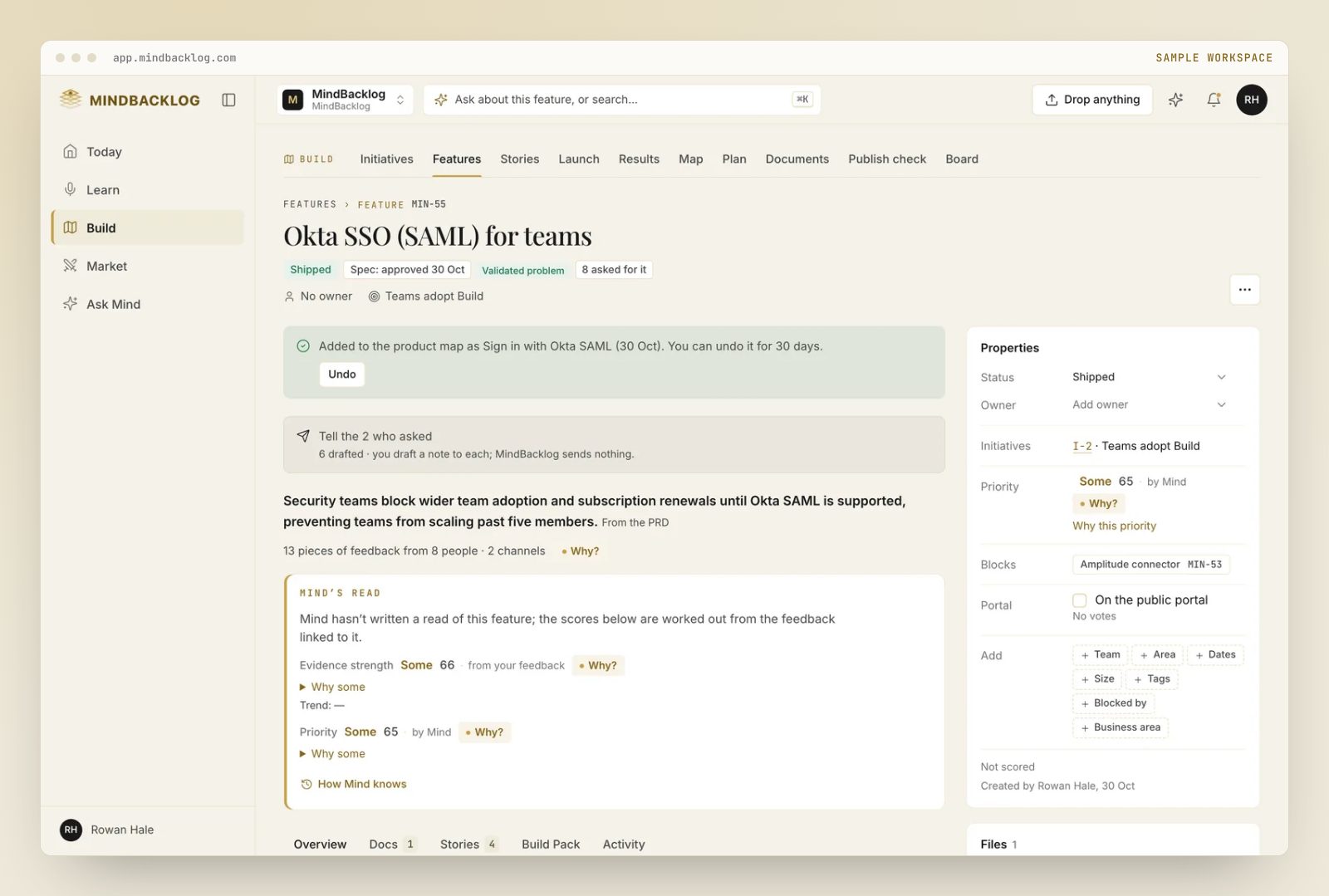
MindBacklog keeps what your users said, ranks the problems they have, and hands your coding agent the why. Answer plain questions and Mind drafts the plan, the stories with acceptance criteria and the Build Pack, each naming its source. Copy the Build Pack for Claude Code or Cursor, and your reviewer has its criteria. How the Build Pack works.
Questions
Where do Claude Code subagent files go?
Project subagents live in .claude/agents/, and you can commit them so your whole team gets them. Personal ones for every project go in ~/.claude/agents/. Each is a Markdown file with YAML frontmatter, and only name and description are required.
How do I make Claude use a specific subagent?
Name it in your prompt and Claude usually delegates. Type @ and pick it from the list to make sure it runs for that task. To run a whole session as one agent, start Claude Code with claude –agent followed by the agent’s name.
Can a Claude Code subagent edit files?
Only if its tools allow it. With no tools line, a subagent inherits the tools available to subagents, edits included. List only Read, Grep and Glob for a reviewer that can’t change anything, or add Bash if it needs to run tests.