Your intelligence, wherever
your team works.
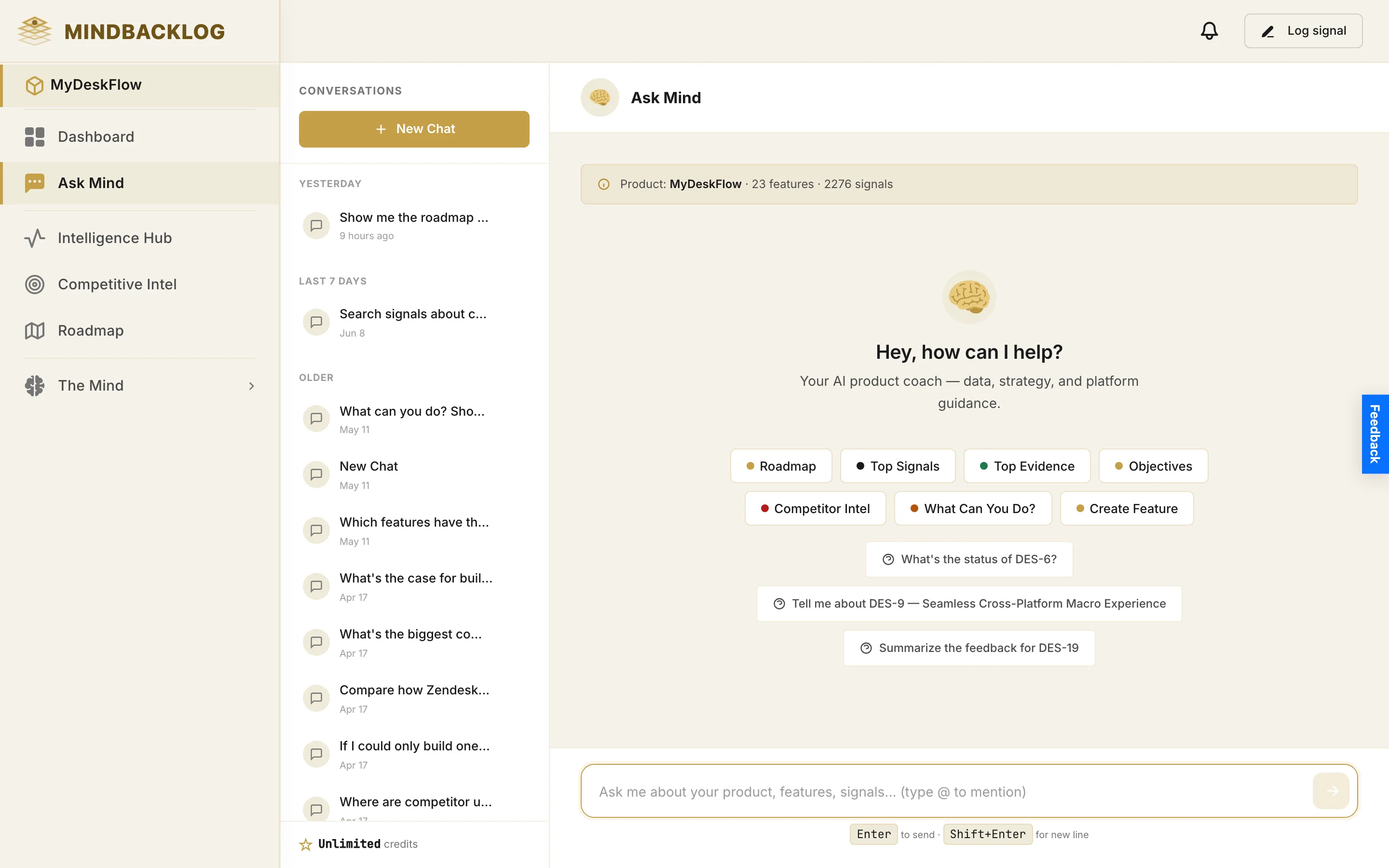
MCP server connects Claude, Cursor, ChatGPT, and any MCP client to your workspace. Jira sync keeps engineering in their tool. Slack ingests signals. Public portal and feedback widget capture customers. And now MCP runs inbound too — connect Confluence and Ask Mind reads your wiki live. One brain. Every surface.
Same brain. Every surface your team already uses.
The workspace is the persistent intelligence layer. Everything else is a window onto it.
All product intelligence in one place.
Signals, features, PRDs, RICE, competitors — synthesized in the MIND engine, classified and linked in under a second, compounding into context that grows sharper every week.
MCP server exposes 20+ read-only tools.
Claude, Cursor, ChatGPT, any MCP client. An engineer in Cursor asks "what does the PRD say about empty states?" — and gets it cited from real signals. One token, four lines of config.
Jira, Slack, Portal, Widget.
Bidirectional Jira sync is LIVE — features push, status comes back. Slack as a signal channel. Public Portal for customer-facing roadmaps. Feedback Widget for in-app capture.
Same brain. Every surface your team already uses.
The same standard runs both ways.
Most tools speak one direction. MindBacklog speaks both — the open Model Context Protocol carries your intelligence out to your AI clients, and your knowledge in to Ask Mind.
Mature and live.
MindBacklog exposes 20+ read-only tools over MCP. Claude, Cursor, ChatGPT, or any MCP client queries your product intelligence — signals, features, PRDs, RICE, competitors — from wherever your team already works. One token, four lines of config.
SHIPPING SINCE LAUNCH
Newer, and growing.
Now MindBacklog is also an MCP client. Connect Confluence and Ask Mind searches your team wiki the moment you ask — citing the real page. No index, no copy of your wiki; nothing is imported or stored. Confluence is live today. Amplitude is next. It's an open connector platform, not a fixed list.
CONFLUENCE LIVE · MORE COMING
If it speaks MCP, it connects.
Claude Desktop, Claude Code, Cursor, ChatGPT, Zed, Cline, Continue, custom agents. One token, four-line config snippet, three-minute setup.
Claude
Desktop & Code
Cursor
IDE + Agent
ChatGPT
Custom GPT + apps
Any MCP client
Zed, Cline, custom agents
One MCP. Every team's AI client.
The intelligence layer is the same. The interface is whichever app the team member already lives in.
Engineering in Cursor
"What does the PRD say about empty states for the bulk export flow?" Cursor calls the MCP, fetches the Living PRD, and surfaces the cited acceptance criteria — without the engineer leaving the IDE or opening a browser tab.
Marketing in ChatGPT
"What are users saying about the new dashboard this month?" ChatGPT pulls the signal themes — 23 mentions of speed improvements, 12 of layout confusion — and drafts the next email campaign anchored in real customer language.
Support in Claude
"Is bulk export on the roadmap and when?" Claude reads the feature card, returns the RICE score, target quarter, and the 47 signals already linked. Support replies to the customer in 30 seconds with an authoritative answer.
Exec voice queries
"What is blocking enterprise adoption?" Asked on the way to a board meeting. The MCP returns the top three blockers by signal volume, cited accounts, and competitive context. Two minutes. Cited answer.
20+ tools. Scoped tokens. Read-only by default.
Bearer-token auth
Generate, scope, and rotate workspace tokens. Tokens are per-workspace and revocable from Settings.
Read-only by default
All 20+ default tools query data. Write tools (create signal, update RICE) require an opt-in flag per token.
Never trained on your data
Your signals, PRDs, and product context are never used to train any model — ours or the client provider's.
What the AI client can actually call.
Every tool is scoped, read-only by default, and returns structured data the model can cite. Below is the working set as of this release.
list_features
Returns every feature in the workspace with status, RICE score, and signal count.
get_feature
Fetches one feature with full evidence trail, owner, target dates, and goal alignment.
search_signals
Full-text search across every classified signal. Filterable by channel, date, sentiment.
get_signals_for_feature
Returns every signal linked to a feature, with source channel, account, and quote.
get_living_prd
Fetches the Living PRD for a feature with citation chips, RICE, and competitive context.
get_rice_breakdown
Returns Reach, Impact, Confidence, Effort with the signals behind each component.
list_competitors
Every tracked competitor with sentiment trend, recent shipped features, gap matrix.
get_competitor
Deep view of one competitor — top complaints, review delta after ship events.
get_trending_themes
Intelligence Hub trending view — themes getting louder, new themes, sentiment shifts.
get_daily_brief
The daily intelligence brief — new signal count, trending themes, actionable callouts.
list_goals
Every OKR/goal with linked features, progress, and parent objective.
get_roadmap
Roadmap view by quarter, owner, or status with evidence summary per item.
ask_mind
Free-form natural-language query against the full intelligence layer. Returns cited prose.
list_channels
Connected channels, signal volume per channel, last sync timestamp.
get_signal
One classified signal — quote, channel, account, sentiment, linked features.
list_accounts
Customer accounts with signal counts and the features each one cares about.
get_user_stories
INVEST-aligned stories with acceptance criteria for a feature.
get_release_notes
Customer-facing, internal, and technical release notes for shipped features.
get_gap_matrix
Competitive gap matrix — features competitors have that you don't, and vice versa.
get_sentiment_trend
Sentiment over time for a feature, channel, or account — weekly buckets.
list_prds
Every Living PRD in the workspace, with last refresh timestamp and citation count.
Schema and arguments documented in the developer reference. Tool set expands as new intelligence layer capabilities ship.
Four more surfaces. Same brain.
MCP is the AI client doorway. These four surfaces cover engineering execution, inbound signals, and customer capture.
Jira sync LIVE
Bidirectional, real-time. Features, user stories, and bugs flow both ways. Engineers stay in Jira; the product intelligence stays here.
Slack signals LIVE
Channel messages classified into signals automatically. Thread, user, and channel preserved as metadata for citation.
Public portal
Hosted feedback page with voting and roadmap visibility. Custom domain, branded. Every portal signal joins the same intelligence layer.
Feedback widget
Embed in-product. Users submit in two clicks. Auto-classified, sentiment-scored, and linked to a feature without any PM triage.
Five team members. Same brain. Different surfaces.
Monday to Friday. One product. Same intelligence layer touched five different ways.
The daily intelligence brief lands in the PM's inbox.
"12 new signals overnight. Search complaints up 40% week-over-week. Sentiment shifting on bulk export." She clicks through to the Intelligence Hub, accepts two cluster suggestions, drops them onto the roadmap with evidence trails attached.
A backend engineer in Cursor asks about the new feature.
"Pull the Living PRD for bulk export filters." Cursor calls the MCP, returns the full document with acceptance criteria and the 47 cited signals. The engineer starts the schema design without scheduling a clarification meeting.
A customer asks if a feature is on the roadmap.
The support lead asks Claude (connected via MCP): "Is search filtering on the roadmap?" Claude returns target quarter, RICE score, and three account names already linked. The reply to the customer goes out in 30 seconds.
Marketing drafts the next campaign in ChatGPT.
"Pull the top three customer wins from this month's signals." ChatGPT returns three quotes with account names and sentiment scores. The campaign copy is anchored in real customer language — not invented.
The CEO checks something on the way to a board call.
"What's blocking enterprise adoption?" Asked into whichever AI client is open. The MCP returns the top three blockers ranked by signal volume, with cited accounts. Two minutes before the meeting. Cited answer in hand.
Questions teams ask about the workspace.
Other ways the intelligence layer surfaces in your work.
MIND Engine
The persistent intelligence layer that compounds every signal into sharper context — the brain everything else queries.
Read →Integrations
9+ inbound channels feeding the intelligence layer, plus REST API, Zapier, and Make for anything custom.
Read →Living PRD Generator
The most-cited artifact the intelligence layer produces — accessible via MCP, the workspace UI, or Ask Mind.
Read →