On this page
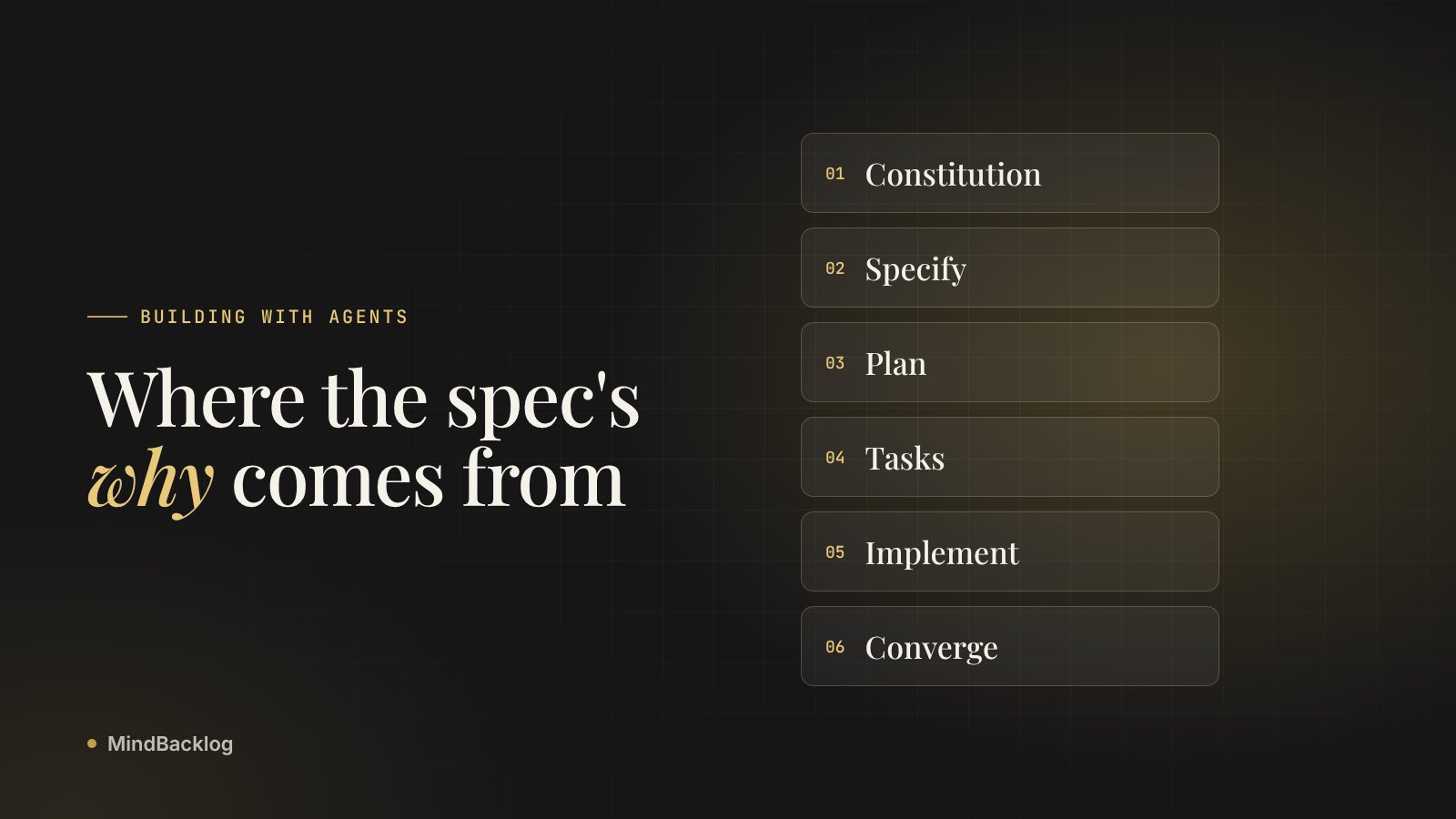
GitHub Spec Kit gives your coding agent a fixed path from spec to code: specify, plan, tasks, implement, then a check for gaps. The specify step asks you for the what and the why, and everything after it builds on your answer. Type a one-line feature idea and the agent invents the users, priorities and success criteria, so fill that step with what your users actually said.
- The specify step wants the what and the why. The tech stack comes later, in plan.
- A one-line prompt leaves the agent to invent users, priorities and success criteria.
- Give it evidence instead: who asked, their words, the metric and checkable must-haves.
- Each section of a Build Pack has a home in Spec Kit’s spec template.
What GitHub Spec Kit is, briefly
Spec Kit is an open source toolkit from GitHub that gives coding agents structured processes and templates. Its core process is spec-driven development. The Spec Kit repository links to its list of supported agents, which includes Claude Code, GitHub Copilot and Cursor.
This post covers the tool and the one step founders tend to rush. For the method itself, read the guide to spec-driven development for founders.
Set it up with Claude Code
- Install the CLI. You need Python 3.11 or later and uv. Run uv tool install specify-cli.
- Initialise the project. Run specify init my-project –integration claude. For Cursor, the integration key is cursor-agent.
- Open Claude Code in that folder. Spec Kit installs its steps as skills under .claude/skills/, so you run them in Claude’s chat rather than your terminal.
- Write the constitution once. Run /speckit-constitution with the principles every feature must follow.
Note. In Claude Code, Spec Kit’s steps are spelled /speckit-specify, /speckit-plan and so on. Older tutorials and the reference docs use a dotted form such as /speckit.specify. Use the form your agent shows you.
What each step expects from you
The full path has optional quality gates. The core steps are below.
| Step | What you give it | What it produces |
|---|---|---|
| /speckit-constitution | Principles for the whole project | The rules every later step is checked against |
| /speckit-specify | The what and the why, with no tech stack | spec.md: user stories, requirements, success criteria |
| /speckit-clarify (optional) | Answers to up to five questions | Your answers, written back into the spec |
| /speckit-plan | Your stack, architecture and constraints | Design artifacts, including plan.md |
| /speckit-tasks | Nothing extra | tasks.md, in dependency order, one phase per user story |
| /speckit-implement | Optionally, which phase to build | Code, built task by task |
| /speckit-converge | Nothing extra | Converged, or new tasks for the gaps it found |
Only specify needs your judgment about users, and every step after it inherits that judgment. The plan designs for the stories in the spec. The tasks follow the stories’ priorities. Converge checks the code against the spec. A guess at specify becomes a well-built guess.
- User evidenceQuotes, counts, who asked
- SpecifyWhat and why
- PlanStack and architecture
- TasksOrdered by user story
- Implement and convergeBuild, then check gaps
A one-line spec makes the agent invent your users
Spec Kit’s spec template asks for user stories with a priority and a line called “Why this priority”. It asks for acceptance scenarios in Given, When, Then form, and for measurable success criteria. It’s a good template. The trouble starts when the prompt behind it is one line.
Give it “Add team invites” and the agent still fills every section. It writes a top-priority story for a team admin you may not have. It explains that priority with reasoning it made up. Its success criteria tend to echo the template’s own examples, such as a share of users finishing a task on the first try, and nobody measured that number.
/speckit-specify Add team invites.
/speckit-specify Let an account owner invite teammates by email. Read docs/packs/team-invites.md first. Use only the users, quotes and counts in that file, and mark anything it doesn’t cover as NEEDS CLARIFICATION.
NEEDS CLARIFICATION is the template’s own marker for an open question. Asking the agent to use it, instead of guessing, keeps the gaps visible.
Fill the specify step from a Build Pack
The evidence has to come from somewhere other than the agent. A Build Pack carries it: why it matters, who it’s for, the metric, and the must-haves with acceptance criteria. Every section names its source, and the only numbers are counts. Each part has a home in Spec Kit’s spec.
| Build Pack section | Where it goes in spec.md |
|---|---|
| Why it matters, with quotes | The user story and “Why this priority” |
| Who it’s for | The person in each user story |
| Must-haves with acceptance criteria | Functional requirements and acceptance scenarios |
| The metric | Success criteria, with a pass line you set before building |
| What already exists | Assumptions, so the plan reuses it |
| What’s already broken | Edge cases, or a line saying it’s out of scope |
For example, a founder building a recipe costing app for small bakeries might end up with a spec section like this one. It’s illustrative.
### User Story 1 - Update ingredient prices (Priority: P1)

A bakery owner enters new prices from this week's supplier
invoice and sees which recipes now cost more to make.

**Why this priority**: 9 of the 14 owners who wrote in about
costing raised it. "Flour went up and I found out at month end."
Source: support threads, September and October.

**Acceptance Scenarios**:
1. **Given** a recipe uses 2 kg of flour, **When** the owner
   raises the flour price, **Then** the recipe's cost updates
   on the recipes list.
2. **Given** a price rise pushes a recipe under the owner's
   target margin, **When** the price is saved, **Then** the
   recipe is flagged.

### Measurable Outcomes
- **SC-001**: Share of active bakeries that update at least
  one price in the first month. Pass line: 1 in 3, set now.
Check the spec before you plan
Read spec.md once against the Build Pack before you run /speckit-plan. It’s the cheapest place to catch an invented user.
- Every user story names a kind of user who actually asked
- Each “Why this priority” cites quotes or counts, with a source
- Acceptance scenarios match the Build Pack’s acceptance criteria
- Success criteria use your metric and a pass line you set
- Nothing appears that no user asked for, unless you added it on purpose
- Gaps say NEEDS CLARIFICATION instead of holding guesses
If the spec has open questions, run /speckit-clarify. It asks up to five targeted questions and writes your answers back into the spec.
Know where Spec Kit stops
Converge checks the code against the spec, the plan and the tasks. It can tell you the feature matches the spec. It can’t tell you the feature worked for the people who asked. That needs the metric from your success criteria, checked after launch, and a note back to those people.
For small features, the docs describe a shorter path: specify, plan, tasks, implement and converge. A one-file fix doesn’t need Spec Kit at all.
See what the specify step should start from. A sample Build Pack for a made-up product, with every section’s source.
See a sample Build PackDoing this in MindBacklog
MindBacklog keeps what your users said, ranks the problems they have, and hands your coding agent the why. The Build Pack carries why it matters, who it’s for, the metric, and the must-haves with acceptance criteria, and every section names its source. Copy it for Claude Code or Cursor, then point /speckit-specify at it. How the Build Pack works.
Questions
What is GitHub Spec Kit?
Spec Kit is an open source toolkit from GitHub that gives AI coding agents structured processes and templates. Its core process takes a feature from a spec to a plan, a task list and working code, then checks the code against the spec. It works with Claude Code, GitHub Copilot, Cursor and other agents.
How do I use Spec Kit with Claude Code?
Install the CLI with uv, then run specify init with –integration claude. Spec Kit installs its steps as skills, which you run in Claude’s chat as /speckit-specify, /speckit-plan and so on. Run the constitution step once per project.
Is Spec Kit worth it for a solo founder?
For a feature that spans several sessions or touches stored data, yes, because the spec and tasks keep each session on track. For a small fix, it’s overhead. Either way, the spec is only as good as the evidence you put into the specify step.